
01 / RAW IMAGE
The visual, without the overlay.
Create a clean image with no built-in text. Use it on your website, in a social post, on a banner, or as the starting point for your own design.
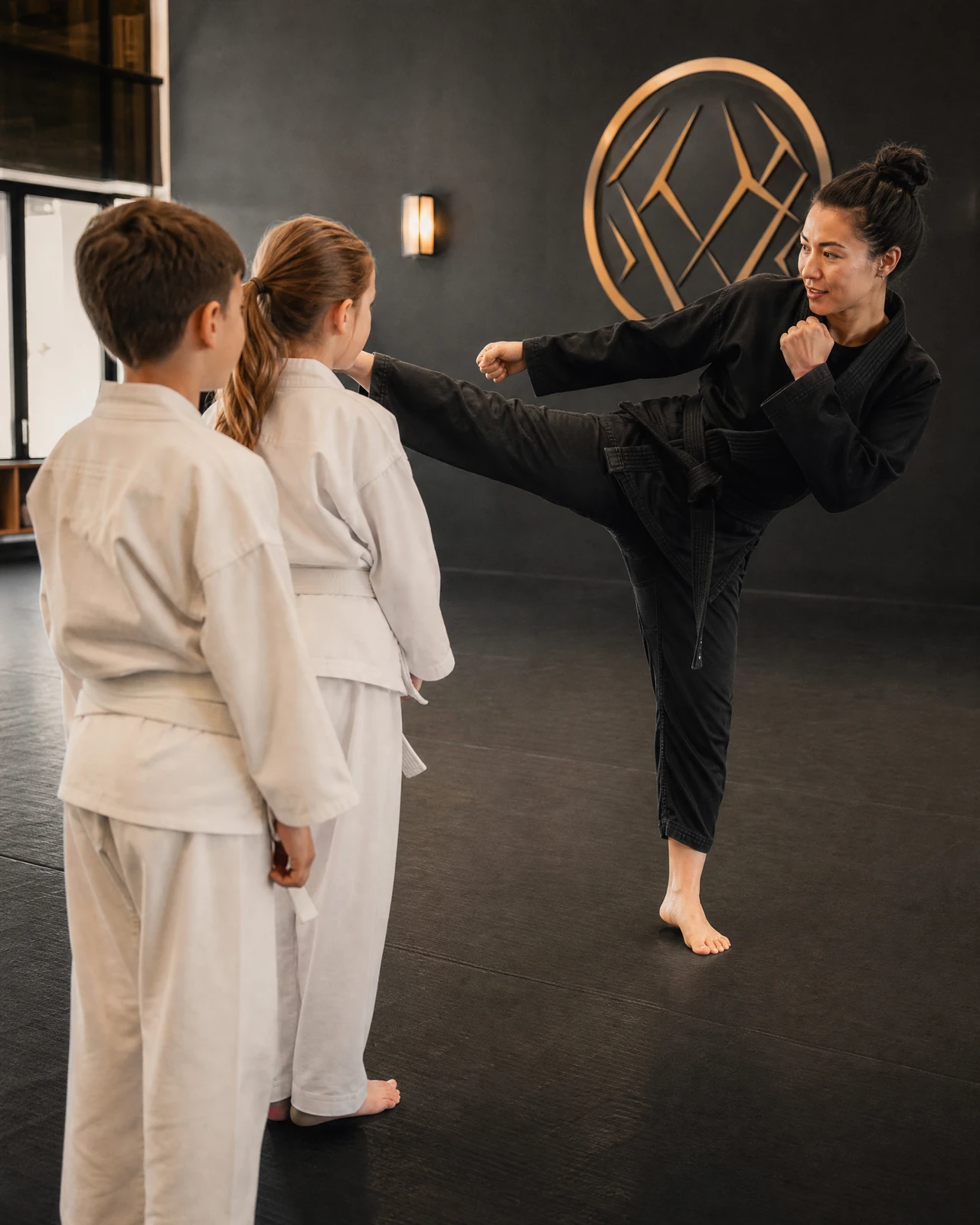
Published raw-image example
Create on-brand images with your training space, uniforms, logo, and creative direction as the foundation. Choose a clean image or an ad visual with the copy built in.
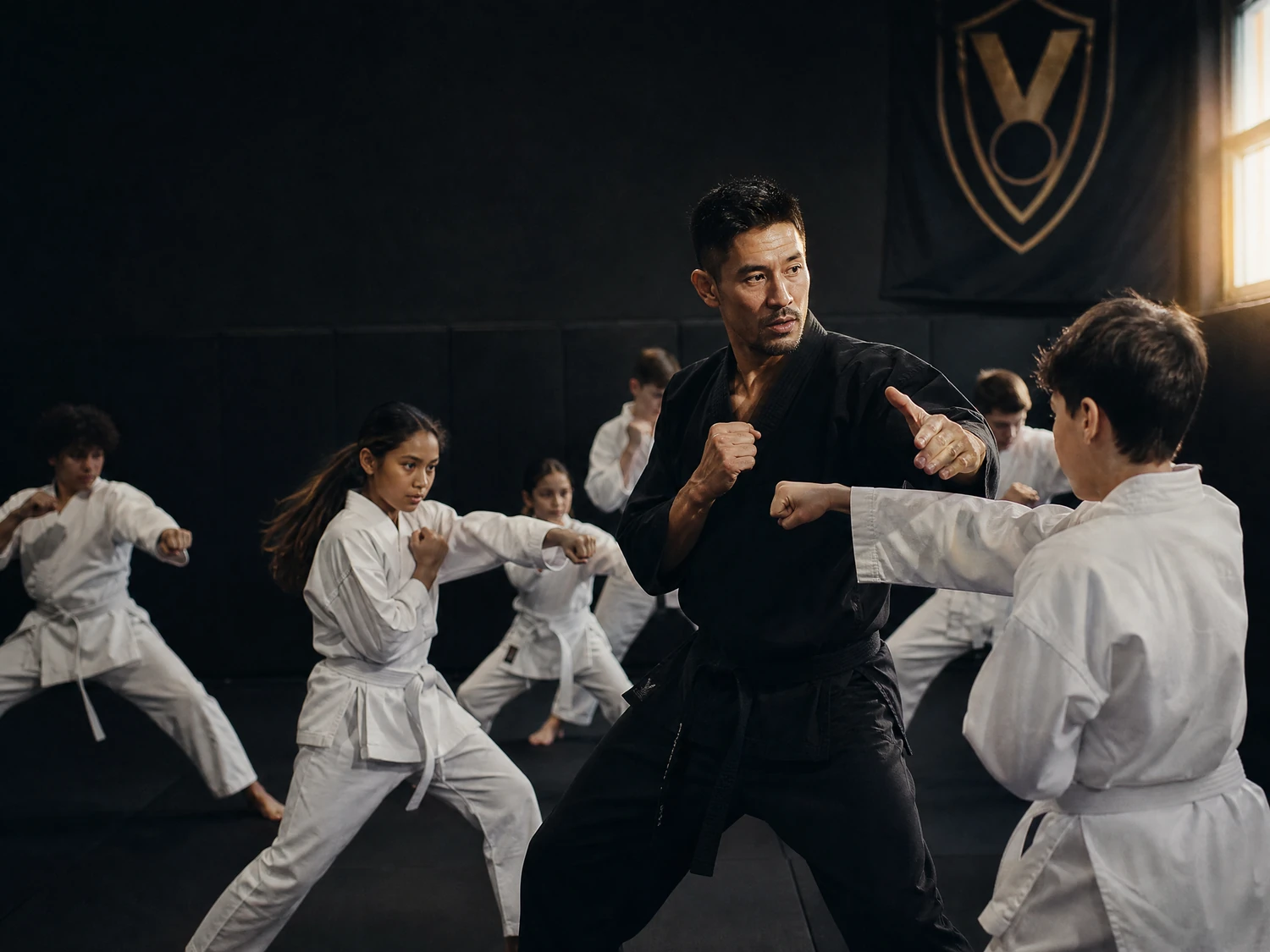
Your training space, uniforms, instructors, and brand give your school its own identity. StudioVault brings those references into a repeatable image workflow for social posts, enrollment ads, website visuals, banners, and announcements.
Choose the output for the job. Keep the image clean for your own design work, or build the headline and supporting copy into the visual.
Create a clean image with no built-in text. Use it on your website, in a social post, on a banner, or as the starting point for your own design.
Create an ad visual with headline and supporting text built into the design. Direct the scene around your campaign and review the image before publishing.

These are illustrative examples from the StudioVault product landing page, not images of your school or claims about customer results.
Build a reusable foundation from your training space, uniform, logo, and creative direction. Start with your school’s identity, not a generic dojo.
Choose the people, action, mood, lighting, and size or format to fit the image you need for your next marketing idea.
Use an optional instructor photo as a reference for an on-brand scene. Only upload images you have permission to use.
Upload a reference ad to guide composition and feeling, then change the people, action, mood, lighting, and format for your own creative direction.
Load your training-space, uniform, and logo references, along with your creative direction. Reuse that foundation for the next image.
Select a raw image or an ad image. Choose people, action, mood, lighting, and the size or format you need.
Review the result, make another version if needed, and download at your selected size. Keep your images organized in the saved gallery.
Use StudioVault for the visuals your school needs throughout the year, whether you are promoting a kids program, planning an event, refreshing your website, or building an enrollment campaign.
Review every generated image for accurate branding, appropriate permissions, and suitability before using it. Use instructor photos and reference ads only when you have the right to do so.
Raw images with no text overlays, or ad images with headline and supporting text built into the visual. Use them for social posts, enrollment ads, website visuals, banners, announcements, and other school marketing.
Your training-space, uniform, logo, and creative-direction references form a reusable school-specific foundation. You can then direct the people, action, mood, lighting, and size or format of a new image.
The product supports an optional instructor photo as a reference for an on-brand scene. Obtain the appropriate permission before uploading or using someone’s image, and review the generated result before publishing.
You can upload an ad reference to guide composition and feeling, then change the people, action, mood, lighting, and format. Use reference material only when you have the appropriate rights or permission.
The product lists a saved image gallery and full-resolution downloads at your selected size. Explore the official StudioVault page for current access and workflow details.
Share your priorities, explore the right level of implementation support, and leave with a clearer next step.